
 Cut
CO2 Laser Settings
16 community settings from 6 machinesCO2 lasers produce infrared light at about 10.6 µm from a glass tube or a metal RF tube. They are the workhorse for cutting and engraving organic materials and plastics: wood, acrylic, leather, paper, fabric, and rubber, plus etching glass and stone.
Cut
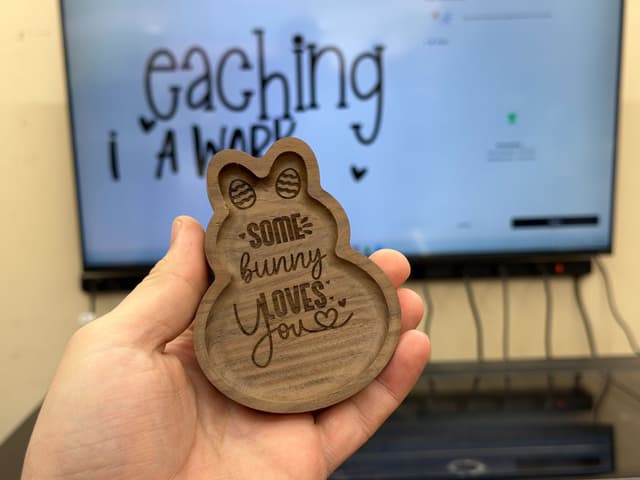 Engrave
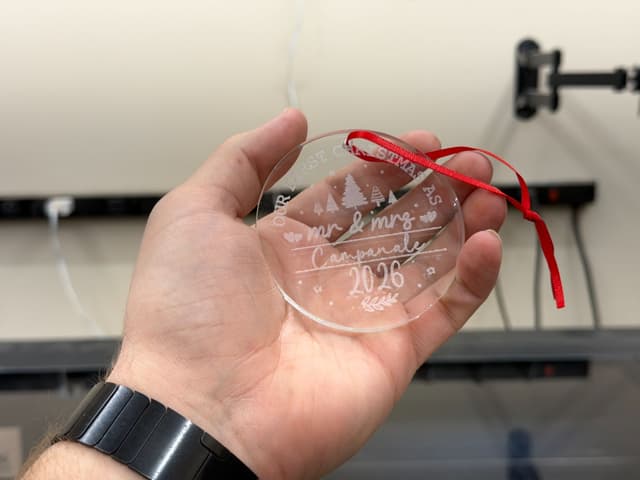 Engrave
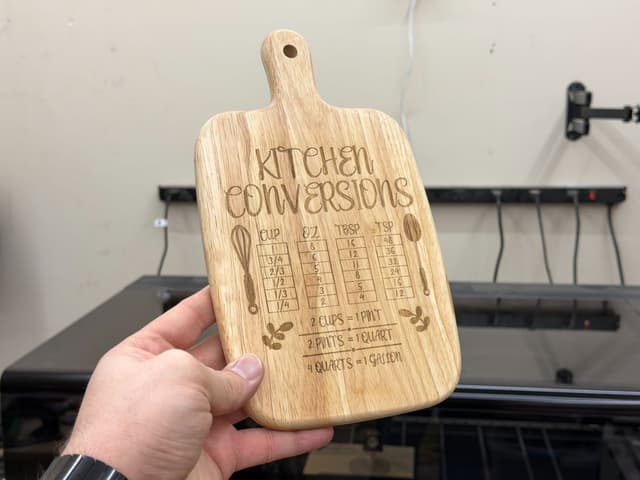 Engrave
 Engrave
 Engrave
 Engrave
 Cut
AcrylicEngrave
Matte/Gloss Acrylic (Solid Colors)
OMTech Polar · 50W · CO2
- Cut10 mm/s55%1
- Score220 mm/s20%1
- Engrave200 mm/s25%25%
McKenna M

AcrylicEngrave
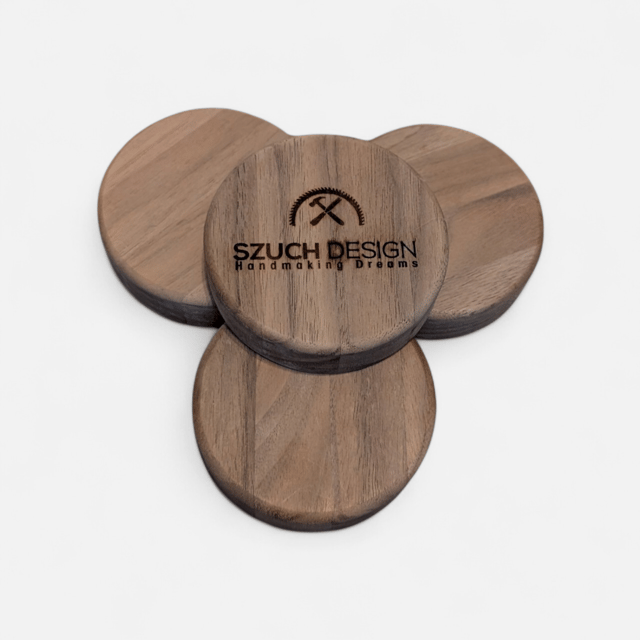 Engrave

PlywoodCut
 Engrave
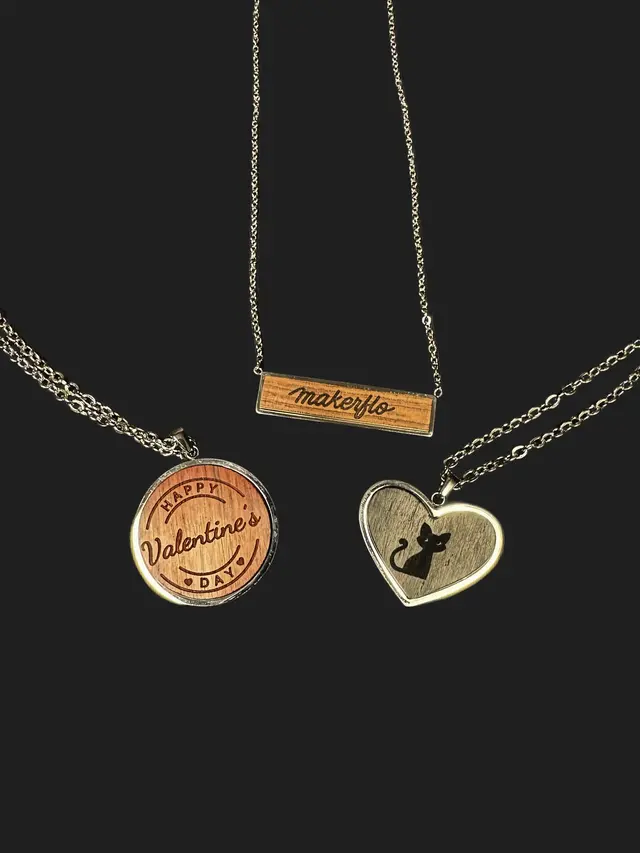 Engrave
 Engrave
PlywoodEngrave
What to know about co2 laser settings
- Glass tubes vs. RF tubes
- Glass tubes usually have a minimum firing power and slower response, which shows up as uneven fine engraving. RF tubes pulse much faster and handle detailed, high-speed engraving better. Settings rarely transfer directly between the two.
- Min and max power
- Many CO2 controllers use a minimum and maximum power. The maximum drives most of the result; the minimum applies as the head slows into corners and can matter for clean corners on thin material.
- Lens and focus
- Short focal-length lenses give a smaller spot for detailed engraving; longer lenses keep a straighter kerf through thick material. Settings assume the lens the author used.
- Metal needs help
- CO2 light reflects off bare metal. It can remove anodizing and painted coatings, but marking bare steel needs a marking spray or paste.
New to these terms? Read how laser settings work, or convert LPI and line interval with the line density converter.
Before you run these settings
Settings vary between individual machines, even of the same model: lens, focus, alignment, air assist, and the exact material all change the result. Run a small test grid on scrap from the same sheet first, never leave the laser unattended, and never cut PVC or vinyl.