
 Cut
Laser Settings for Wood
20 community settings from 9 machinesWood is the most common laser material and one of the most variable. Species, density, moisture, resin content, and for plywood the glue and inner layers all change how a setting behaves, even between two sheets from the same supplier.
Cut
 Engrave
 Engrave
 Engrave
 Engrave
 Engrave
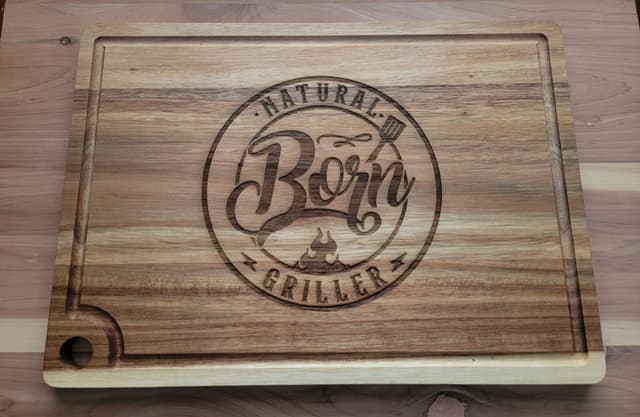
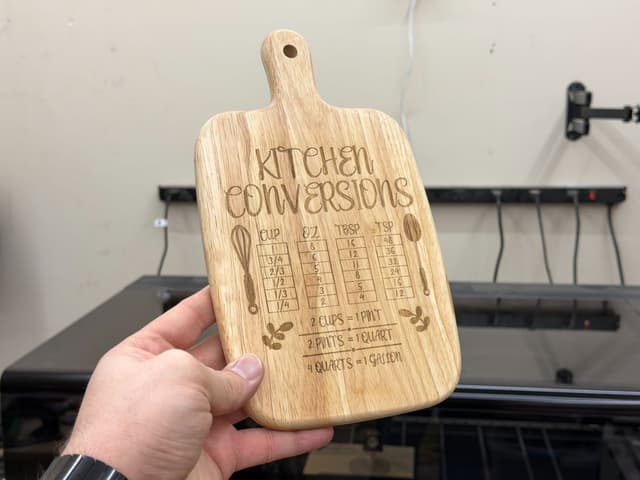
Acacia Cutting Board with Drip Ring and Corner Hole
xTool S1 · 40W · Diode
- Engrave210 mm/s25%25%
Jeremy D

 Engrave
 Engrave
 Engrave
 Cut
 Engrave

 Engrave

PlywoodCut
 Engrave
 Engrave
 Engrave
 Engrave
 Engrave
 Engrave
PlywoodEngrave
Tips for lasering wood
- Test on the same sheet
- Run your test grid on an offcut of the sheet you will use. A walnut setting can scorch maple, and two batches of the same plywood can cut differently.
- Plywood has hidden layers
- Glue lines and voids inside plywood stop a cut that looked fine on the surface. Laser-grade plywood uses glue designed for lasers and has fewer voids.
- Control smoke staining
- Air assist, masking tape or transfer paper on the surface, and cutting face-down all reduce smoke marks around cuts and engravings.
- MDF and resin
- MDF cuts cleanly but produces heavy smoke and fumes; ventilate well. Resinous woods like pine engrave unevenly because the grain burns at different rates.
New to these terms? Read how laser settings work, or convert LPI and line interval with the line density converter.
Before you run these settings
Settings vary between individual machines, even of the same model: lens, focus, alignment, air assist, and the exact material all change the result. Run a small test grid on scrap from the same sheet first, never leave the laser unattended, and never cut PVC or vinyl.