
 Engrave
Laser Settings for Leather
15 community settings from 3 machinesLeather engraves beautifully on CO2 and diode lasers, but natural leather, leatherette, and laser-specific laminates behave very differently. Thickness, tanning, and color all change the result.
Engrave
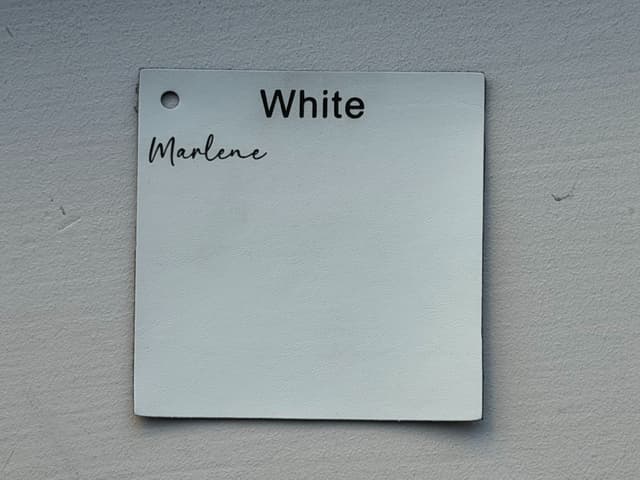 Engrave
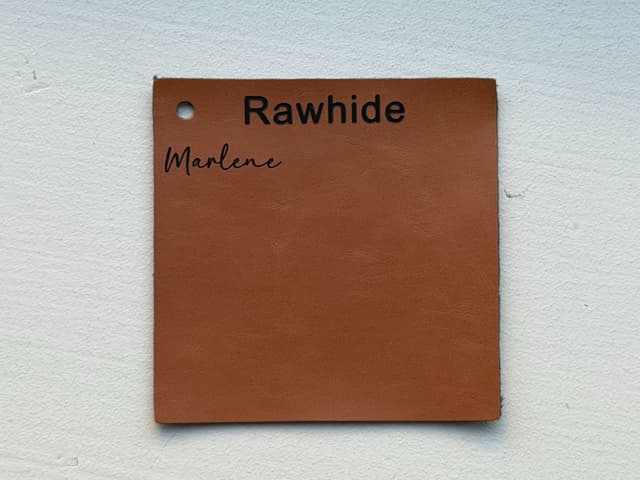 Engrave
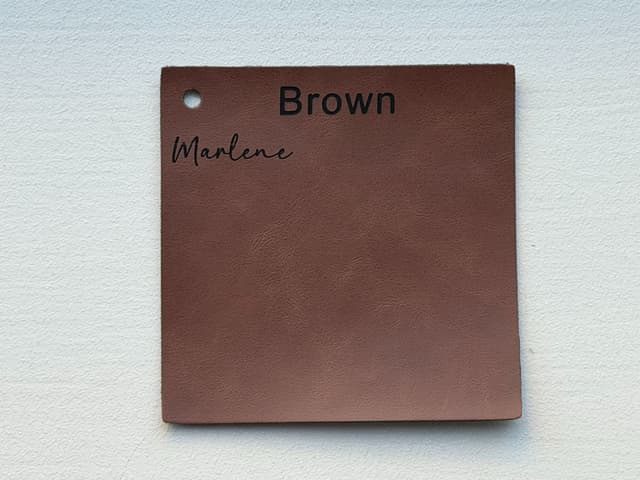 Engrave
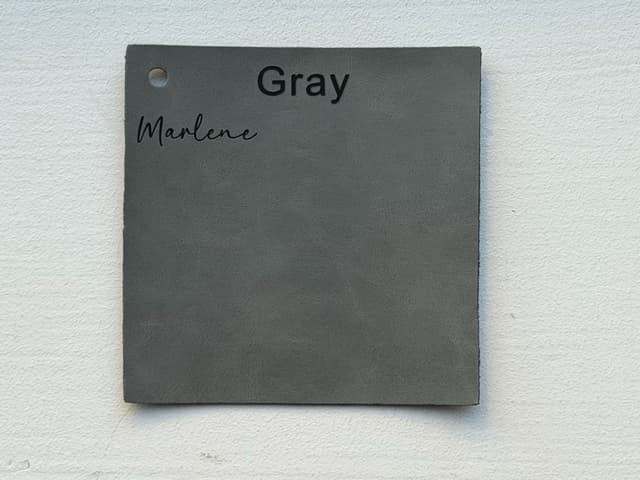 Engrave
 Engrave
 Engrave
 Engrave
 Engrave
 Engrave
 Engrave

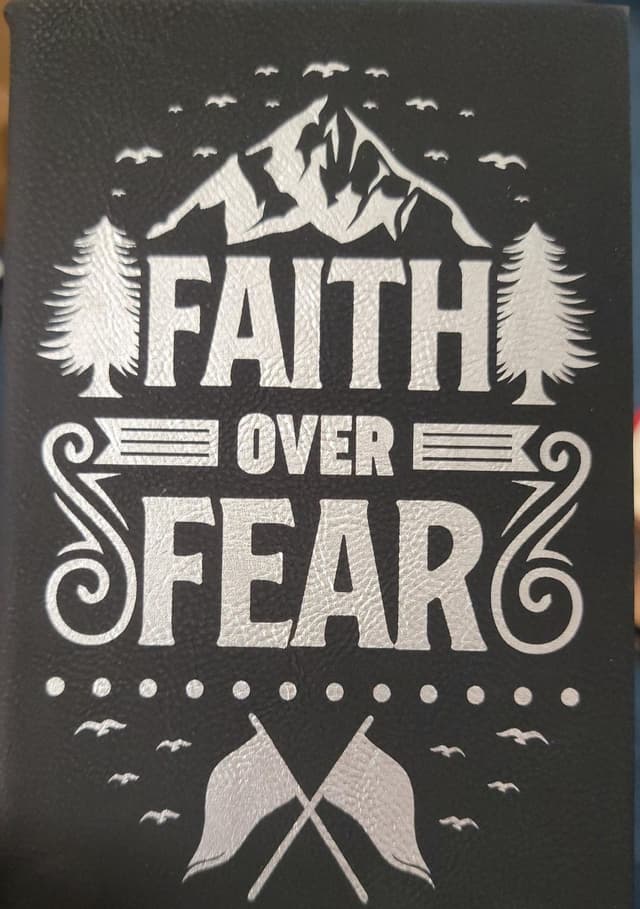 Engrave
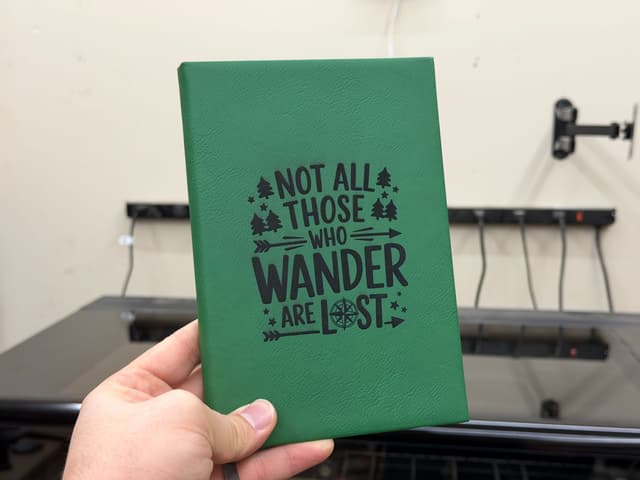 Engrave
 Engrave
 Engrave
Tips for lasering leather
- Vegetable-tanned leather
- Veg-tan leather engraves cleanly and darkens well, which makes it the usual choice for laser work. Chrome-tanned leather contains chromium compounds and is commonly avoided.
- Check faux leather first
- Some faux leathers are polyurethane, which many makers laser, but others are PVC-based and must never be lasered. Confirm with the supplier's safety data sheet.
- Laser leatherette
- Two-layer laser leatherettes are designed to reveal a contrasting color with a light pass. Too much power melts the top layer instead of cleanly removing it.
- Low power, light passes
- Leather scorches easily. Start with low power and add passes rather than slowing down, and use air assist to keep the surface clean.
New to these terms? Read how laser settings work, or convert LPI and line interval with the line density converter.
Before you run these settings
Settings vary between individual machines, even of the same model: lens, focus, alignment, air assist, and the exact material all change the result. Run a small test grid on scrap from the same sheet first, never leave the laser unattended, and never cut PVC or vinyl.